Your AI Tools Are Spying on You. Here’s the Fix.
— به انگلیسی منتشر شده
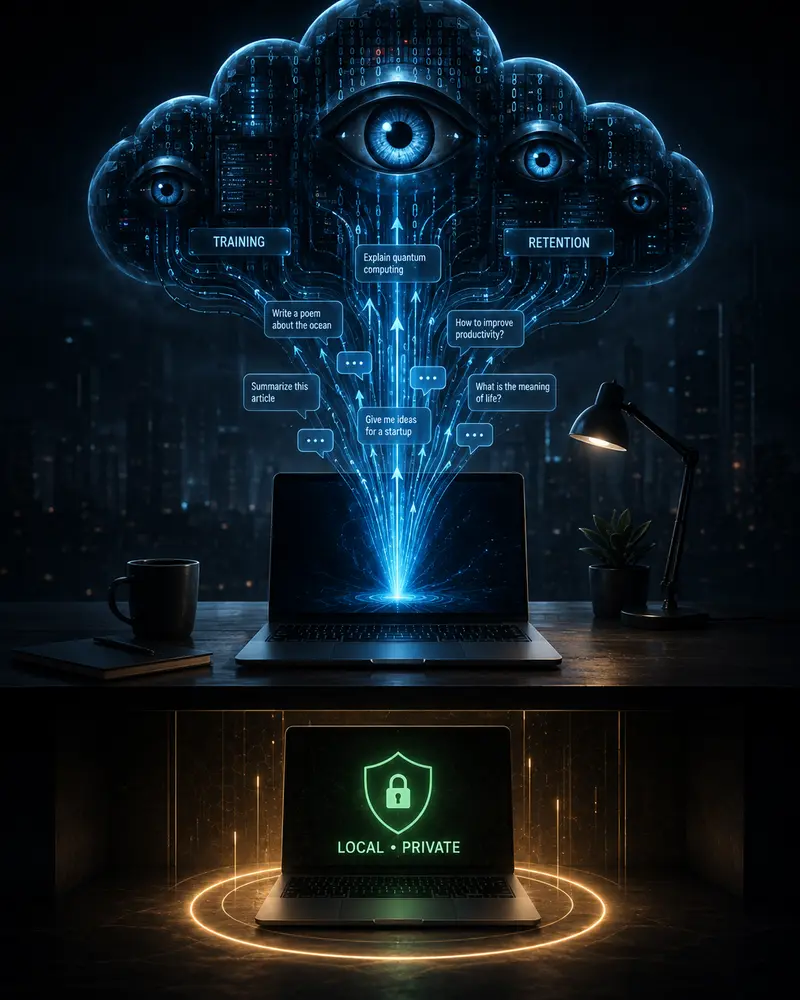
Most popular AI chatbots log your prompts, keep them for months or years, and by default use them to train the next model. The fix is simple: run powerful models completely offline on your own machine. Here’s exactly how to do it without sacrificing quality.
Your AI Tools Are Spying on You. Here’s the Fix.
Every time you paste a client email, a medical question, a business plan, or a personal dilemma into ChatGPT, Claude, Gemini, or Grok, you are handing that text to a company whose default setting on free and personal plans is to use it for model training. Retention periods stretch from 30 days to years. Some platforms have faced lawsuits and investigations over how that data is handled. The majority of users never change the setting.
This is not a conspiracy theory. It is the documented business model of the largest consumer AI products in 2026. The good news is that the alternative no longer requires a PhD or a data-center budget. You can run high-quality models entirely on your own hardware so that prompts never leave your machine.
اگر این بخش را دوست داشتیدکلود کد در برابر کلاین: توسعهدهندگان در ۲۰۲۶ کدام عامل کدنویسی هوش مصنوعی را انتخاب کنند؟Over the past two years, open‑source models have caught up to their closed counterparts in almost every practical domain—from creative writing and code generation to summarization and reasoning. Combined with mature tooling like Ollama and Open WebUI, local inference has become the sensible default for anyone who values privacy, cost predictability, and long‑term control over their AI stack.
What Actually Happens to Your Prompts
On the free and personal tiers of the major chatbots, the default is clear: conversations can be used to improve the models unless you actively opt out.
OpenAI states that Free, Plus, and Pro accounts may use inputs and outputs for training by default. Anthropic’s consumer plans (Free, Pro, Max) follow the same pattern after policy updates in 2025. Google’s Gemini Apps Activity setting controls both storage and training. Even when you turn training off, history is often retained for weeks or months for abuse monitoring and legal reasons. Temporary or “incognito” modes reduce the problem but do not eliminate server-side processing.
اگر این بخش را دوست داشتیداوپن وبیوآی: رابط کاربری گمشده برای هوش مصنوعی محلیAdditional risks include third-party analytics scripts, browser extensions that harvest chat text, and lawsuits alleging that conversation data was shared with advertising trackers. None of these issues exist when inference happens only on hardware you control.
Let’s break down the timeline: when you type a prompt into a cloud chatbot, it travels over the internet to a data centre, where it is processed by a model running on shared infrastructure. Even if you delete the chat, copies may persist in backup systems, logs, or training datasets for months or years. Opt‑out settings are often buried in privacy menus, and the default remains “opt‑in” for the vast majority of users.
Business, Team, and Enterprise tiers usually disable training by default and offer data-processing agreements. Most individuals and small teams still use the consumer apps. That is where the privacy gap is largest.
The Real Fix: Local, Private AI
Local AI means the model weights live on your disk, the inference runs on your CPU or GPU, and the prompt never travels over the internet.
Three open-source pieces give you a complete, ChatGPT-like experience with zero data leaving your machine:
- Ollama – the simplest way to download and run modern open models (Llama, Qwen, Mistral, Gemma, and dozens more)
- Open WebUI – a polished, self-hosted chat interface with conversation history, document upload (RAG), multi-model switching, and team features
- Cline (optional) – an open-source coding agent that works inside VS Code and can call your local models for real development work
What makes this combination powerful is that each component is designed for privacy first. Ollama does not collect telemetry by default; Open WebUI stores all data in a local SQLite database; Cline never sends your code to any external server. Together they form a self‑contained AI environment that respects your digital sovereignty.
Beyond privacy, local AI offers other advantages: no recurring subscription fees, complete control over model versions, the ability to work offline (perfect for travel or secure facilities), and the freedom to experiment with fine‑tuning and custom system prompts without third‑party restrictions.
Ollama: The Engine Behind Local AI
Deep dive into the tool that made running private LLMs as simple as a single command. Installation, model recommendations, and real-world performance.
How to Set Up a Fully Private Stack in Under 30 Minutes
The following steps assume you have a reasonably modern computer (8 GB RAM minimum, 16 GB recommended) and basic familiarity with a terminal. We’ll cover the standard Docker approach for Open WebUI and also mention a non‑Docker alternative for those who prefer that.
1. Install Ollama
Go to the official site and download the installer for your operating system. On macOS and Linux a one‑line curl script works. On Windows use the PowerShell installer. After installation, open a terminal and pull a solid general‑purpose model:
ollama pull llama3.1:8b or ollama pull qwen2.5:14b
Larger models need more VRAM, but 8B–14B quantized versions already feel excellent on modern laptops and desktops. If you have a discrete GPU, you can pull larger models like llama3.1:70b or qwen2.5:72b, but expect to need 8 GB+ VRAM.
Ollama automatically downloads and caches models, and you can switch between them on the fly. The command line also supports chat directly: just type ollama run llama3.1:8b and start typing. That alone gives you a private assistant, but we want the full interface.
Official Ollama Download
Get the latest installer and model library directly from the project maintainers.
2. Add a Beautiful Interface with Open WebUI
The fastest path is Docker. One command starts a full web interface that automatically detects your local Ollama instance:
docker run -d -p 3000:8080 --add-host=host.docker.internal:host-gateway -v open-webui:/app/backend/data --name open-webui --restart always ghcr.io/open-webui/open-webui:main
Open http://localhost:3000 in your browser. You now have conversation history stored only on your machine, document upload for private RAG, and the ability to switch models mid-chat. The Docker volume ensures your data persists across container updates.
If you prefer not to use Docker, you can install Open WebUI from source: clone the repository, install dependencies, and run a Python script. However, Docker is strongly recommended because it handles all dependencies and updates cleanly.
After logging in (you’ll create a local admin account), navigate to Settings > Connections and confirm that Ollama appears. You can also add cloud providers here, but for maximum privacy, keep only your local models enabled.
Open WebUI: The Missing Interface for Local AI
Full setup walkthrough, features that matter for daily use, and how to keep everything offline.
Open WebUI Documentation
Official docs covering Docker, providers, RAG, and advanced configuration.
3. Optional: Coding Agents That Stay Private
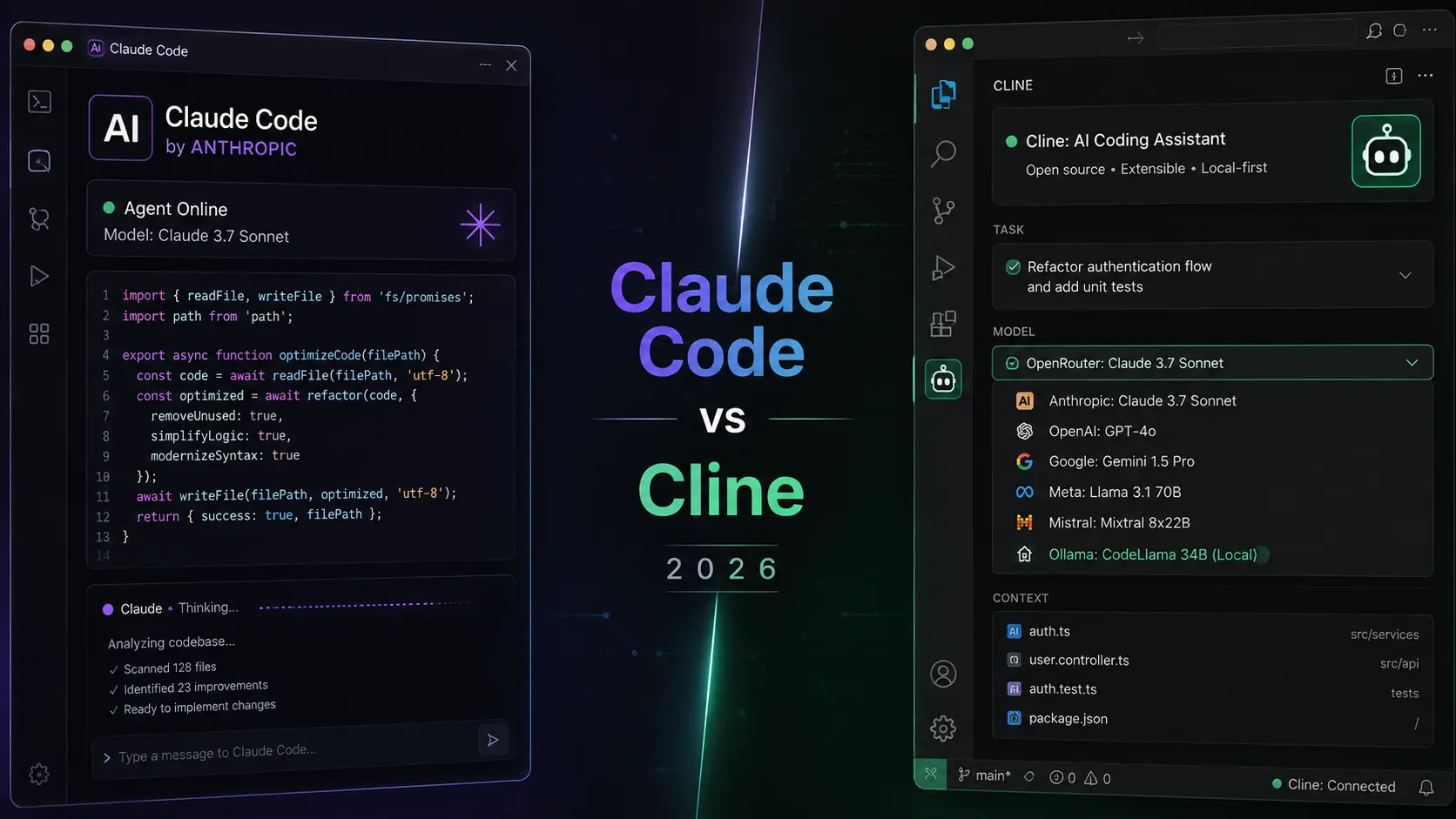
If you write code, Cline is an open‑source VS Code extension that can talk to your local Ollama models. It reads your project, proposes edits, and runs terminal commands — all without sending source code to a remote API.
Install Cline from the VS Code marketplace, then point it to your local Ollama endpoint (http://localhost:11434). Choose a coding‑focused model like Qwen‑Coder or DeepSeek‑Coder. Cline’s ability to understand your entire codebase and make multi‑file edits makes it a viable replacement for cloud‑based coding assistants.
Cline: The Open-Source AI Coding Agent
How the agent works, recommended models, and why developers are switching from cloud coding assistants.
Which Model Should You Choose?
With dozens of models available, it helps to match the model to your typical tasks. Here’s a quick guide:
- Llama 3.1 8B – a balanced all‑rounder, great for chat, summarisation, and light coding. Runs on almost any machine.
- Qwen 2.5 14B – excellent for reasoning and mathematics; outperforms larger models in some benchmarks.
- Mistral 7B – very fast and good for everyday assistant tasks.
- Llama 3.1 70B / Qwen 2.5 72B – top‑tier performance, but requires high‑end GPU (24 GB+ VRAM) for reasonable speed.
- Code‑specific models (e.g., Qwen‑Coder, DeepSeek‑Coder) – specialised for programming, often beat general models on coding benchmarks.
Start with a smaller quantized model (like llama3.1:8b‑q4_0) to test the waters, then experiment with larger ones as you become comfortable.
What You Gain (and What You Trade)
- Complete data privacy — prompts, files, and history never leave your device
- No monthly subscription for core chat and coding use
- Full control over model choice and update timing
- Ability to work offline or on air‑gapped machines
- Trade‑off: you need decent hardware (8 GB+ RAM minimum, GPU strongly recommended for larger models)
- Trade‑off: the absolute newest frontier models still appear in the cloud first, often by a few months
- Trade‑off: you are responsible for updates, backups, and securing your own server if exposed
For most knowledge work, research, writing, and coding tasks, current open models are already good enough that the privacy and cost advantages outweigh the last few percentage points of capability. The gap is closing rapidly; by 2027, local models may be the default even for heavy users.
Common Objections and Straight Answers
“Local models are too weak”
In 2026 this is largely outdated. Well‑quantized 14B–32B models handle the majority of daily professional tasks. Many developers and writers now prefer them for the combination of speed, privacy, and zero ongoing cost. For example, Qwen 2.5 14B scores competitively with GPT‑4o on many reasoning benchmarks, and Llama 3.1 70B often matches Claude 3.5 Sonnet in real‑world tests.
“Setup is complicated”
Ollama + the Docker one‑liner for Open WebUI is genuinely under 15–30 minutes for most people. After the first model download you are done. Even if you avoid Docker, the manual installation is well documented and straightforward. The learning curve is far less steep than setting up a traditional web server.
“I still need the absolute best model sometimes”
Keep a paid cloud account for the rare cases that truly need it. Use local models as the default for everything else. That hybrid approach already eliminates 90 % of the privacy exposure. Open WebUI can even integrate cloud providers, so you can switch from local to cloud in the same interface when necessary.
“What about multimodal inputs (images, audio)?”
Vision and audio models exist in the open‑source ecosystem. Ollama supports vision models like LLaVA and Qwen‑VL, and you can upload images in Open WebUI. For audio, you can pair with local speech‑to‑text and text‑to‑speech engines. The ecosystem is evolving quickly, and by 2026 most common multimodal needs are covered.
Practical Privacy Habits Even If You Stay in the Cloud
- Turn off “Improve the model for everyone” (or equivalent) on every consumer account you still use
- Prefer Temporary / Incognito chat modes for sensitive topics
- Never paste secrets, full medical records, or unredacted client data into any cloud chatbot
- Audit browser extensions — several families have been caught harvesting AI chat text
- Consider a dedicated browser profile with no tracking extensions for AI use
- Use a VPN to obscure your IP if you must use cloud services
These steps reduce risk but cannot match the guarantee of local inference. They are a stopgap measure while you migrate your workflow to a private setup.
Conclusion: Own the Inference Layer
The era of casually pasting everything into a cloud chatbot is ending for people who care about privacy, cost, and long‑term control.
You do not need to abandon AI. You need to move the sensitive part of the stack onto hardware you control. Ollama gives you the models. Open WebUI gives you the interface. Cline (and similar tools) give you agents. Together they form a private AI workspace that never phones home.
Start with one model this week. Once you experience the same quality without the surveillance, going back feels strange.
Your prompts deserve to stay yours. Take control of your AI — today.